AI Email Builder
Turn a rough idea into a polished internal email – in seconds
Describe what you need. Our AI email content generator for employees, CoAuthor, drafts the layout, writes the copy, and handles accessibility, all built directly inside the editor.


Try it for yourself. Your first 3 emails are free.
Take CoAuthor for a spin, no sales call or commitment required. Type a prompt. Get a fully structured email with layouts, sections, and copy ready to go
73%
spend 1–6 hours a week just formatting and sending emails
240hrs
spent on email execution per communicator, per year
78%
spend most of their time creating content and templates
*From ContactMonkey’s 2026 Global State of Internal Communications Report
Sound familiar? Internal email shouldn’t take this long
Starting from scratch, every single time
Every new campaign means rebuilding the same structure, header, sections, CTA, and footer from zero. That time adds up fast.
Too much time fixing, not enough time writing
Restructuring layouts, tightening copy, adding CTAs — all the low-value work that crowds the time you should spend on strategy.
Accessibility falls through the cracks
Alt text, contrast ratios, and touch targets are easy to miss when you’re moving fast. Harder to fix after you’ve already sent.
How we compare: The only AI email builder that works where you already do
Crafts emails
Drafts emails from prompt
Send from Outlook / Gmail
Platform
Workshop Cici
Poppulo
Staffbase
Partial
FirstUp
PoliteMail
Outlook only
ContactMonkey
Your AI-powered internal email assistant
Step 1
Draft a full email from a single prompt
Just describe what you need — “write a benefits enrollment reminder with a deadline and a registration button” — and AI Email Builder generates a structured, ready-to-edit email. Layouts, copy, images, and CTAs included.


Step 2
Edit with plain language, not drag-and-drop
Type “make that section blue” or “add three employee spotlights below the header” and the editor updates in real time. It understands what you’ve selected and what the email already contains, so no over-explaining is required.
Step 3
Built-in accessibility and mobile standards
CoAuthor enforces best practices automatically from alt text, buttons, touch targets, contrast ratios, heading hierarchy. You get closer to send-ready without a manual checklist.

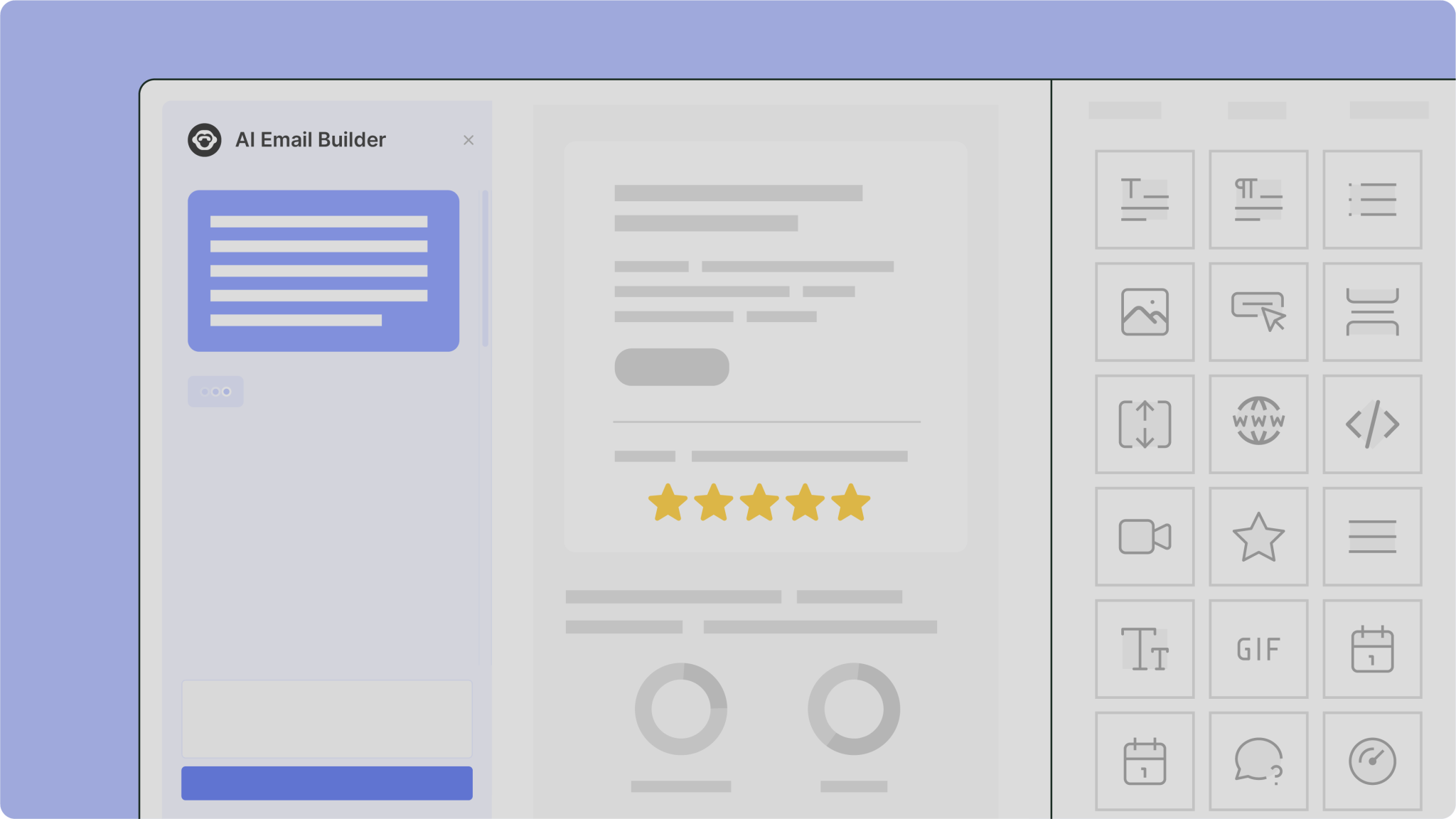
See how fast a prompt becomes an email
– CoAuthor in action
A quick walkthrough of how AI Email Builder works inside the ContactMonkey editor, from first prompt to finished email.
Coming soon
AI-generated images, without leaving the editor
Simply describe what you want to see, add an optional negative prompt to exclude unwanted elements, and choose a style and aspect ratio. CoAuthor will generate a ready-to-use, on-brand AI-generated image directly inside your design in seconds. No switching tools, no waiting on assets.
Text-to-image prompt
Negative prompt support
Aspect ratio & style controls
Pair it with ConfidenceCheck before you hit send
AI Email Builder gets you from idea to polished draft faster than ever. Pair it with ConfidenceCheck, ContactMonkey’s AI-powered editorial assistant, to make sure what you created is actually ready to send. Broken links, accessibility gaps, placeholder text, and readability issues are all caught before your email goes out.
Learn more
“Before Contact Monkey, we had nothing. We had no benchmark. We had no idea what messaging was getting to our employees, how they were best receiving it. We had very limited two-way feedback loops.”
Jerilyn Hall
Employee Communications Manager
40–50%
of deskless workforce now reached

Watch video
“[ContactMonkey] really does allow our teams to be creative, but also provides the analytics to make sure we’re doing the right things.”
Jeremy Roberts
Sr. Manager of Communications, Go-To-Market & Incentives
40%
read rate boost
15%
higher open rates

Watch video
“ContactMonkey’s Dynamic Content tool saves me hours. I no longer need to copy, paste, or duplicate emails. It saves time, brain space, and prevents duplication errors.”
Emily-Rose Carr
Internal Communications Specialist
~60%
open rates
~19%
click rates

Watch video
With dynamic content, I can build one email with multiple blocks, with each block tailored to a group. I’m not duplicating emails or copy/pasting. It saves time and reduces mistakes.
James Maiden
Sr. Manager of Communications, Go-To-Market & Incentives
5x
faster email creation

Watch video
“Data helps drive informed decision-making. With appropriate feedback, we’re now able to analyze and change our strategy.”
Lindsey Champagne
Director of Communications and PR
13%
average click rate


“Our team’s efficiency was slowed down by the lack of sophistication of our previous tool. And we knew employees weren’t getting the information—they were flagging it as phishing.”
Tamara Palmer
Employee Engagement & Internal Communications Lead

Frequently asked questions
AI Email Builder is included on ContactMonkey’s Grow and Enterprise plans It’s built into the plan — not a separate add-on you need to purchase on top.
No. AI Email Builder is available as part of ContactMonkey’s Grow and Enterprise plans. If you’re on one of those plans, it’s already included.
It’s built primarily for internal communications professionals who need a reliable AI email content generator – including HR and People Ops teams, and employee experience teams at mid-market and enterprise organizations. It’s also used by champions and admins who build reusable email templates for the rest of their organization.
Think of it as an AI email content generator for employees — use it for three main things: generating a new email draft from a brief (audience, purpose, key points — the AI handles layout and copy), improving an existing email by rewriting specific sections for clarity, tone, or stronger CTAs, and cleaning up a messy draft by tightening content and restructuring it for scanability.
AI Email Builder helps you draft and build emails faster. ConfidenceCheck is a separate AI-powered pre-send review tool that checks your completed email for broken links, accessibility issues, readability signals, and content errors before it’s sent.




