ConfidenceCheck
Send every internal email with complete confidence
ConfidenceCheck is ContactMonkey’s built-in AI editorial assistant. It reviews your email for errors, broken links, and inconsistencies before you hit send — so you move faster without second-guessing every detail.


First in category
ConfidenceCheck is the only native pre-send quality check in the internal communications platform category – and it’s available today.
44%
of teams had to resend or correct an email 1–2 times in the past year
27%
had to resend or correct emails due to errors 3–5 times in the past year
90%
of communicators corrected an email error in the past year
*From ContactMonkey’s 2026 Global State of Internal Communications Report
Pre-send anxiety is costing your team time and credibility
Internal communicators told us the same story. The dread of sending a broken link, a wrong date, or a misspelled name and watching it land in thousands of inboxes.
Broken links slip through
Manually clicking every URL before sending is tedious and easy to skip under deadline pressure – until an employee clicks it.
Wrong dates go unnoticed
Day-date mismatches and copy-paste errors slip through when drafts are assembled from multiple sources. “Tuesday, March 15” might not actually be a Tuesday.
Small errors, big consequences
Inconsistent names, leftover placeholder text, and off-tone copy are easy to miss when you’re a team of one reviewing your own work before an all-company send.
Your AI-Powered Editorial Assistant
Editorial & catch-all
AI surfaces hard-to-spot errors that often result from copy-pasting across drafts — the kind a quick skim misses every time.
- Typos & errors
- Inconsistent names
- Placeholder text
- Day-date mismatch


Link validity
Automates the most skipped manual step of verifying that every link in your email goes to the right place.
- Broken links
- Missing links
- Placeholder links
- Link-text mismatch
Accessibility & readability
Checks your content for accessibility issues and surfaces word count and estimated read time, so that every employee can engage with your message.
- Accessibility checks
- Word count
- Read time


Custom checks
Enforce your organization’s own style guidelines, brand standards, and compliance requirements automatically on every send.
- Brand standards
- Org-specific rules
- Governance
How it works: Three steps from draft to send-ready
Write your email
Draft your internal communication in ContactMonkey’s editor as you normally would.
Click the lightning bolt
Hit the ConfidenceCheck icon in the toolbar. The AI scans instantly and surfaces flagged issues with clear context.
Fix, confirm, send
Review flagged items, make the corrections, and send knowing your email has been professionally reviewed.
“I was completely blown away. ConfidenceCheck far exceeded my expectations, seeing it in action left me absolutely stunned.”
Jerilyn Hall
Employee Communications Manager
40–50%
of deskless workforce now reached

Watch video
“I can’t believe the stuff that it [ConfidenceCheck] can pick up on. It’s been extremely helpful.”
Michelle
Internal Communications

Watch video
Make every email readable, on-brand, and compliant.
ConfidenceCheck goes beyond typos and links. It flags accessibility issues so every employee can engage with your email, and enforces your organization’s own standards on every send.

Accessibility checks
Automatically flags common accessibility issues before you send, helping your team meet WCAG 2.1 standards without a manual audit.
Missing alt text
Low color contrast
Vague link text
Read time

Custom checks
Define your own rules around brand standards, style guidelines, or compliance requirements. ConfidenceCheck then enforces them automatically on every email.
Brand standards
Style guidelines
Org-specific rules
Governance
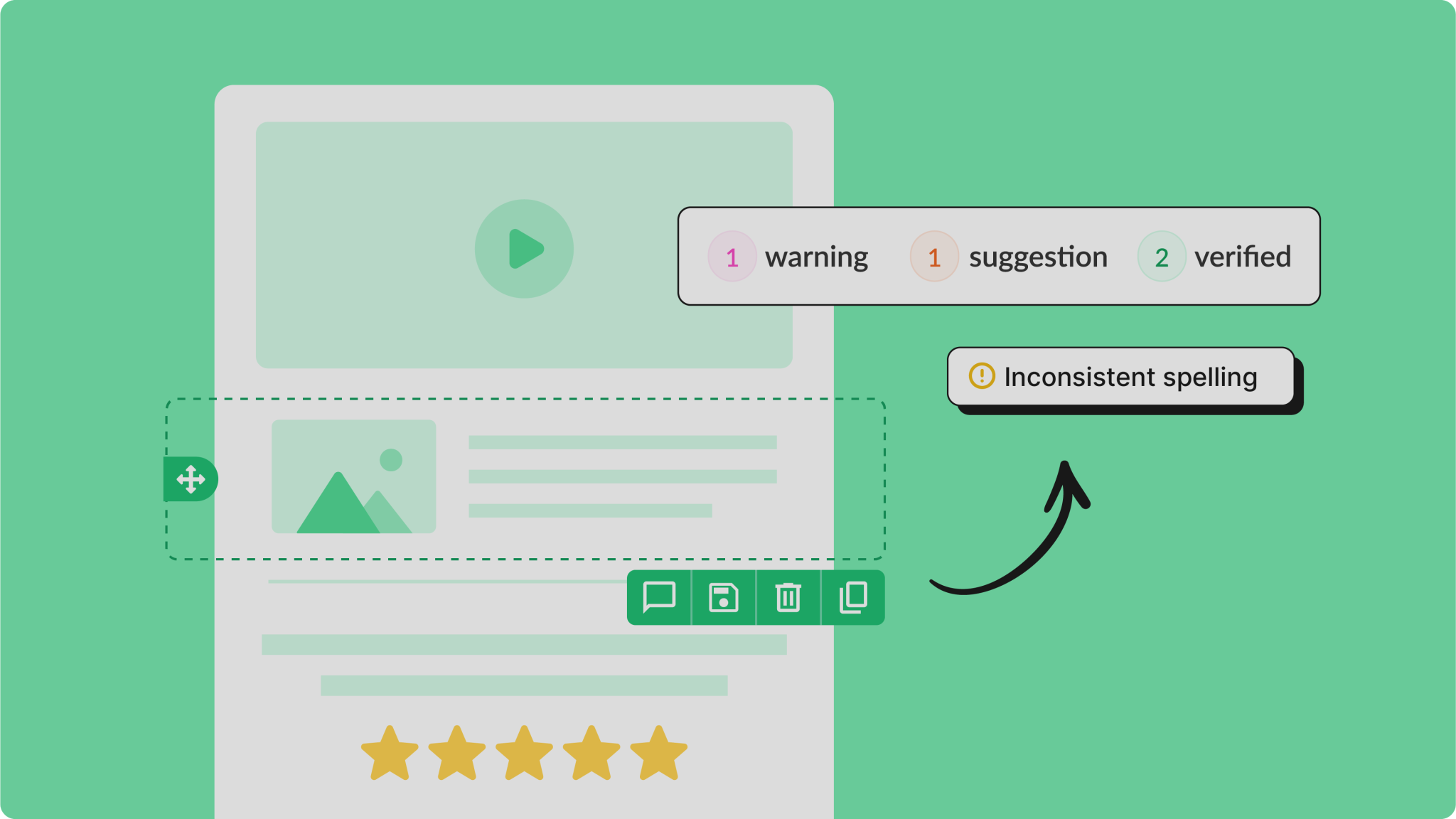
Watch ConfidenceCheck catch what you’d miss
A quick walkthrough of how the pre-send review works inside the ContactMonkey editor.
Pair with CoAuthor for a complete AI workflow, start to finish
ContactMonkey’s AI tools support the full lifecycle of internal email so your team can write better, faster, and with fewer errors.
CoAuthor writes it. ConfidenceCheck clears it. Your audience receives it.
CoAuthor
Write & generate content
Turn a single prompt into a complete email. Describe what you want, and CoAuthor will design the layout and write the copy inside the editor.
Try CoAuthor freeConfidenceCheck
Review & quality assurance
Catches errors, broken links, inconsistencies, and tone issues before you send. The final checkpoint in your internal comms workflow.
You’re hereFrequently asked questions
ConfidenceCheck is ContactMonkey’s built-in AI editorial assistant. It reviews your internal emails before you send, flagging errors, broken links, accessibility issues, and inconsistencies automatically so you can send with confidence every time.
ConfidenceCheck is built for internal communications teams who send high-visibility emails to large employee audiences. It’s especially valuable for lean IC teams without a dedicated proofreader, communicators managing high-volume sends, and organizations with brand, accessibility, or compliance standards to uphold.
ConfidenceCheck is included in ContactMonkey’s Launch, Grow, and Enterprise plans, with the tier of access depending on your plan level. If you’re on a legacy plan, availability varies. Book a demo to learn more or talk to your account manager to see what’s included for you.
Yes. ConfidenceCheck is available as a standalone add-on for eligible plans, so you can access more advanced tiers without a full plan change. Book a demo to learn more or reach out to your account manager to explore the right fit.
It covers editorial errors like typos, inconsistent names, and placeholder text, link issues like broken or mismatched URLs, accessibility flags, and with higher tiers, tone assessment and custom governance rules.
It works alongside your process, not instead of it. ConfidenceCheck catches the errors that are easy to miss under deadline pressure, so your team can move faster with greater confidence.




