EMAIL Analytics
Unlock better decisions with advanced internal email analytics
Track Outlook and Gmail engagement, benchmark performance, and create internal email reports that drive smarter communication


“[ContactMonkey] really does allow our teams to be creative, but also provides the analytics to make sure we’re doing the right things. We look at open time distributions to help us make better decisions about when we deploy. It’s helped improve both open rates and click-throughs.”

Jeremy Roberts
Sr. Manager of Communications, Freedom Mobile
Why internal comms teams struggle to measure internal email performance
“We don’t know if employees are reading our emails.”
Without tracking, there’s no data on who opened an email or what they clicked.
“We don’t know which teams our emails are reaching.”
A single open rate can’t show whether a message reached frontline staff or managers.
“Reporting the data takes too long.”
Pulling data from each team and building it into a report is manual every time.
Internal email tracking in Outlook and Gmail
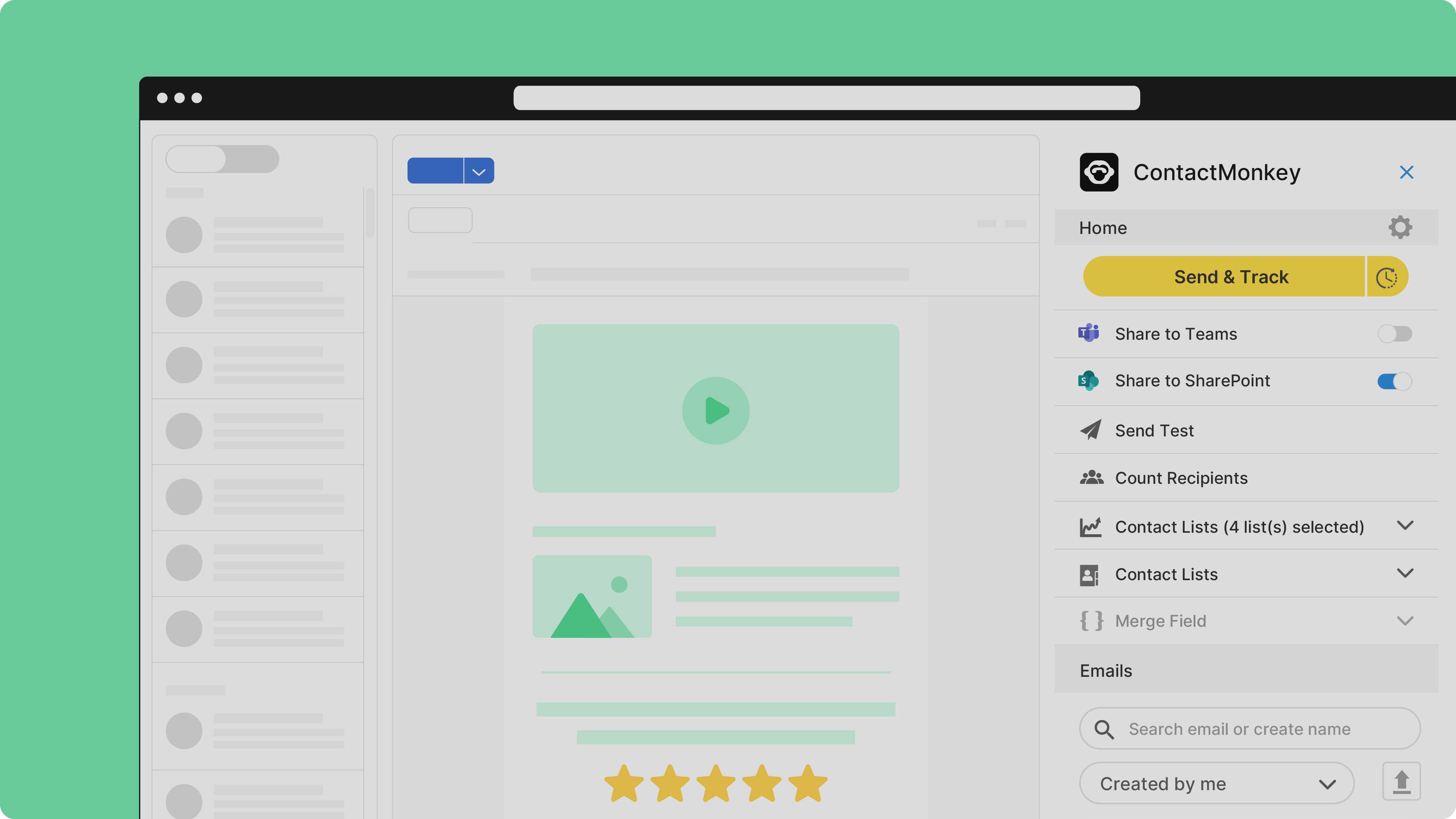
Send from the inbox you already use and every email is tracked from the moment it lands. See opens, clicks, read time, device and location in real time.
Works inside
Outlook and Gmail
Measure
Opens, clicks, read time, click maps
Timing
Results as soon as your email lands


See engagement results by department, location and role
Segmented email stats break any campaign down by the fields in your directory. Compare teams to see where a message landed and where it needs a follow-up.
Segment by
Department, location, job title
Synced from
Azure AD, Workday and other HRIS
Privacy
Overall, Anonymous or Individual tracking
Ask your email data a question
Insights Assistant answers questions about your campaigns in plain language, from top-clicked links to what employees said in surveys. Answers come back with a chart in seconds.
Ask about
Links, campaigns, survey responses
Get back
Ranked results, charts, trend analysis
Where it lives
Homepage and every campaign report


Internal communications analytics built for leadership reporting
Show leadership the ROI of internal comms. See every team’s results in one place, track engagement against campaign goals and share reports that show the impact of your work.
See
Every team’s results in one view
Prove
Engagement against campaign goals
Share
Saved reports and leadership-ready charts


Internal email tracking software with every feature in one place
Every report, chart and metric you need to track internal email engagement, built into one platform.
Report Builder
Build reports from the campaigns you choose.
Customizable analytics dashboard
Shape your dashboard around the metrics that matter most.
Customizable charts
Turn campaigns into editable, leadership-ready charts.
Saved reports and exports
Reuse reports and move them into stakeholder-ready formats.
Engagement timeline
Track open and click rates over time.
Click maps
See exactly what part of your email grabs attention.
Read time analysis
Know if employees are skimming or reading.
Device breakdown
See how many employees read on desktop vs mobile.
Location-based tracking
See how comms perform by geography.
Segmented Email Stats
Compare results by department, location or job title.
Comments and reactions
See how employees respond to each email.
Analytics API access
Connect your analytics to Power BI or Tableau.
Internal email analytics vs marketing email analytics
What’s the difference between internal and marketing email analytics? Marketing tools track customers and subscribers. Internal email analytics is built for employees, which changes who you send to, where you send from and what you measure.
ContactMonkey

Marketing email analytics
(e.g. Mailchimp, HubSpot)
Built for
Employees, with lists synced from Azure AD or your HRIS
Customers and subscribers on opt-in contact lists
Sends from
Your own Outlook or Gmail inbox, so emails come from a sender employees know
The vendor’s web app and sending servers, with a required unsubscribe footer
Segment by
Department, location, job title or any HR field
Tags, lists and marketing behavior
Measures
Opens, clicks, read time, surveys and eNPS
Opens, clicks, unsubscribes, revenue and conversions
Privacy
Overall, Anonymous or Individual tracking
Contact-level tracking by default
“Before Contact Monkey, we had nothing. We had no benchmark. We had no idea what messaging was getting to our employees, how they were best receiving it. We had very limited two-way feedback loops.”
Jerilyn Hall
Employee Communications Manager
40–50%
of deskless workforce now reached

Watch video
“[ContactMonkey] really does allow our teams to be creative, but also provides the analytics to make sure we’re doing the right things.”
Jeremy Roberts
Sr. Manager of Communications, Go-To-Market & Incentives
40%
read rate boost
15%
higher open rates

Watch video
“ContactMonkey’s Dynamic Content tool saves me hours. I no longer need to copy, paste, or duplicate emails. It saves time, brain space, and prevents duplication errors.”
Emily-Rose Carr
Internal Communications Specialist
~60%
open rates
~19%
click rates

Watch video
With dynamic content, I can build one email with multiple blocks, with each block tailored to a group. I’m not duplicating emails or copy/pasting. It saves time and reduces mistakes.
James Maiden
Sr. Manager of Communications, Go-To-Market & Incentives
5x
faster email creation

Watch video
“Data helps drive informed decision-making. With appropriate feedback, we’re now able to analyze and change our strategy.”
Lindsey Champagne
Director of Communications and PR
13%
average click rate


“Our team’s efficiency was slowed down by the lack of sophistication of our previous tool. And we knew employees weren’t getting the information—they were flagging it as phishing.”
Tamara Palmer
Employee Engagement & Internal Communications Lead

FAQ
The top email analytics tools for internal comms are built for employee audiences. ContactMonkey tracks internal email metrics like opens, clicks and read time on Outlook and Gmail sends, segments results by department from your HRIS, and answers questions about your data with Insights Assistant.
Yes, ContactMonkey offers internal email tracking for emails sent from both Outlook and Gmail, including open rates, clicks, read time, device, location and survey responses.
Outlook on its own only offers read receipts, which recipients can decline. An internal email tracking tool like ContactMonkey shows opens across your whole distribution list.
Yes, ContactMonkey’s Anonymous tracking shows internal email results by team with no names attached. You can also choose Overall tracking for campaign totals only, or Individual tracking for recipient-level detail.
A good open rate for internal emails is around 76%, the average across all industries in ContactMonkey’s Internal Email Benchmark Report 2026. That’s well above external marketing emails, which average 20 to 40%. See our internal email benchmarks for averages by industry.