Your ContactMonkey Reports page just got a built-in visual layer!
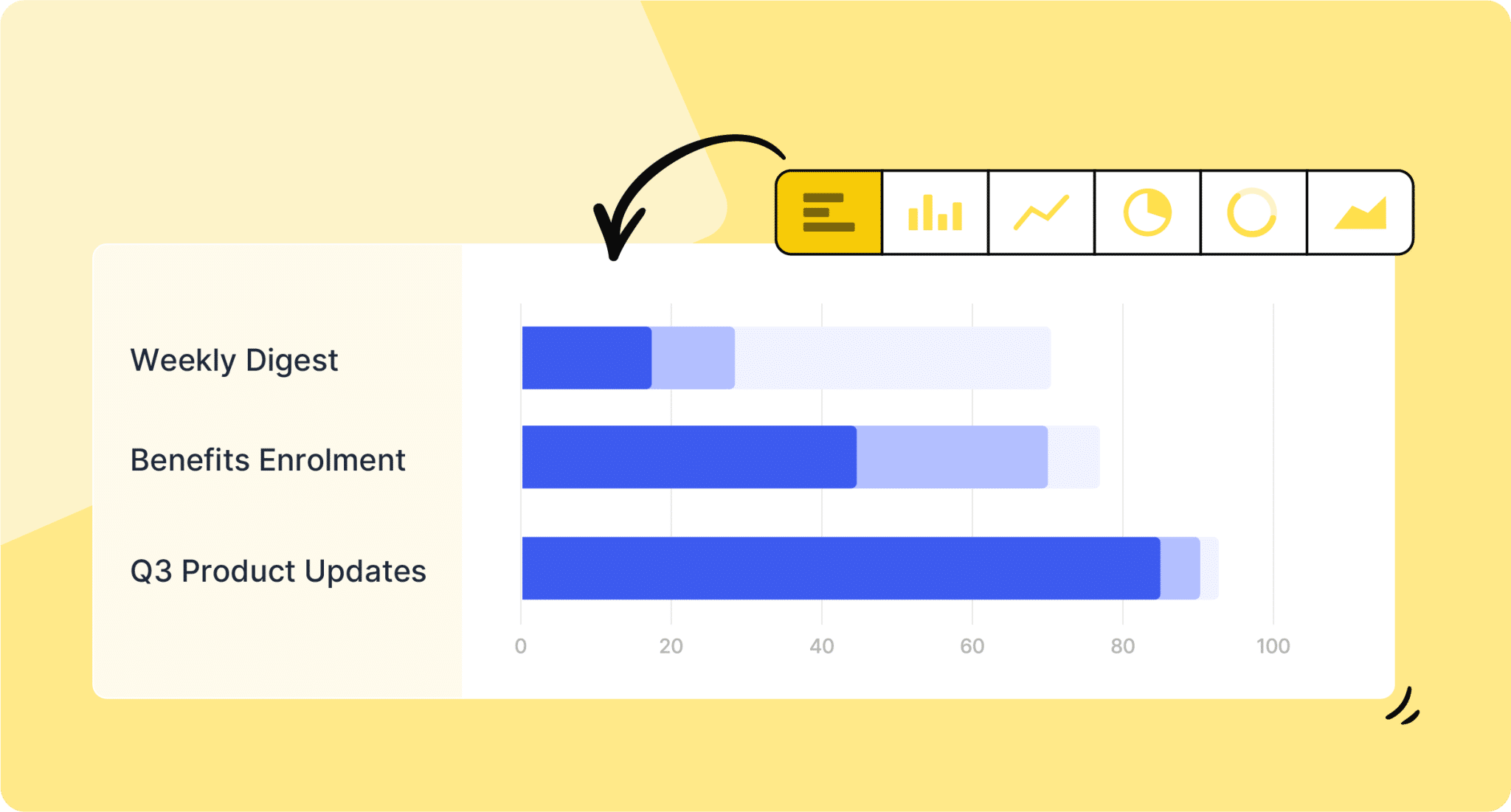
Customizable Charts and Row Selection are available now in Email Analytics, giving you the ability to turn campaign data into charts without leaving the platform.
What’s Changed
Until now, visualizing your internal email performance data meant exporting it and building charts in a separate tool.
With this update, you can generate charts directly inside the Reports page by selecting the campaigns you want to analyze.
There are two ways to make a selection: check individual campaigns using the row checkboxes on the left, or click and drag across the cells you want to include.
From there, right-click to open the context menu, hover over Chart Range, and pick a chart type. Bar, pie, and line are all on the table.
The chart docks at the bottom of the page, and an actions menu in the top right lets you change the chart type, apply filters, or download the chart as an image.

Row Relection Goes Beyond Charting
Row selection also works as a standalone data action.
Once you have campaigns checked or dragged over, you can download just the selected data or copy it with headers and paste it directly into Slack, Microsoft Teams, or Excel as a properly formatted table.
The download pulls the information displayed in the chart view, so what you share reflects exactly what you were looking at.
Why it Matters
The Reports page already gives you the numbers. This update closes the loop on what you do with them.
Instead of moving between ContactMonkey and a separate spreadsheet or presentation tool every time you want to visualize a campaign comparison or trend, you can do it in one place and share the output in whatever format your stakeholders need.
Availability
Customizable Charts and Row Selection is available as part of Email Analytics.
Ready to see it in action? Book a demo to get a walkthrough, or reach out to your Customer Success Manager if you have questions about how this fits into your current workflow.