If you’re searching for ContactMonkey alternatives, you’re probably at a decision point. Maybe your contract is up for renewal. Maybe you’re comparing employee communications platforms before making a recommendation, or maybe you’ve been asked a simple question by leadership: “Are there better options out there?”
It’s a fair question.
The reality is that most internal communications software can help you send newsletters. Most employee email platforms can track opens and clicks. And nearly every vendor claims to improve employee engagement. The biggest differences between internal communications platforms aren’t always obvious in a feature checklist, but rather found in the workflows your team relies on every day, the quality of the data behind your decisions, and how much extra effort it takes to create, send, and measure internal communications.
So before you choose a ContactMonkey alternative, it’s worth understanding what you’d be giving up. In this guide, we’ll look at how ContactMonkey compares to the alternatives most frequently evaluated by internal communications software and why thousands of organizations continue to choose ContactMonkey as their employee communications platform.
What Are the Most Common ContactMonkey Alternatives?
When IC teams start evaluating their options, the same platforms tend to come up in every shortlist:
- Staffbase is an enterprise employee experience platform that combines email, intranet, and a branded employee app, positioned primarily for large organizations with dedicated IT and communications teams. It’s one of the more common Staffbase alternatives searches among teams who found the platform too complex or too costly for their needs.
- Poppulo is a multi-channel communications platform covering email, digital signage, and workplace TV. Teams searching for Poppulo alternatives are often looking for a more focused email-first solution without paying for channels they don’t use.
- PoliteMail is an Outlook add-in for tracking internal email performance. Teams looking at PoliteMail alternatives are typically outgrowing its measurement-only approach and need a platform that handles both sending and analytics in one place.
- Workshop is an employee newsletter platform built around simplicity. Teams evaluating Workshop alternatives often hit its limits when they need more sophisticated analytics, AI capabilities, or HRIS integration.
Staffbase, Poppulo, PoliteMail, and Workshop are the platforms that come up most often when IC professionals search for internal communications software or internal communication tools. But none of them combine every capability that modern IC teams need in a single platform.
Why Do IC Teams Start Looking for Alternatives in the First Place?
The honest answer is that it depends on which platform they’re on and what broke down first.
Teams evaluating Poppulo alternatives are often running into a combination of pricing opacity and workflow friction:
- Template changes require support tickets rather than in-platform edits
- Customer support operates out of Ireland, creating timezone delays for North American teams
- Image rendering issues mean employees are regularly prompted to right-click and download images rather than viewing them inline
- Advanced analytics are gated behind additional cost rather than included in the base plan
- Pricing is quote-based with no public transparency, meaning teams go through an entire demo process before getting visibility into cost
For a deeper breakdown, see our full guide to Poppulo alternatives.
Teams looking at Staffbase alternatives tend to hit a different set of walls:
- No audience segmentation or customization when sending to Outlook distribution lists
- No searchable photo or asset library inside the platform
- No individual-level open data — only device-level reporting, so you can’t see exactly which email addresses opened or ignored a message
- Test emails require inserting the sender’s own information, which creates friction for teams that rely on peer review before sending
- Staffbase is actively sunsetting its Rich Text Editor in favor of the newer Designer tool, leaving communicators mid-contract with inconsistent compatibility and limited engineering support
- Quote-based pricing scales unpredictably depending on headcount, feature add-ons, and app requirements
See our full breakdown of Staffbase alternatives.
Teams considering PoliteMail alternatives are often outgrowing what is fundamentally a measurement layer rather than a complete employee communications platform:
- The email builder uses a table-based layout that produces emails that look dated compared to modern drag-and-drop editors
- Setup complexity and interface issues surface consistently in user reviews
- The Outlook add-in can slow down performance
- There is no AI-assisted content creation, no HRIS sync, and no pre-send review layer — meaning PoliteMail covers the analytics side of the job but not the creation and workflow side
Our guide to PoliteMail alternatives covers the full comparison.
Teams evaluating Workshop alternatives are usually looking for more than simplicity. As their internal communications programs grow, they need deeper analytics, more advanced audience segmentation, and better ways to personalize communications at scale:
- Segmentation capabilities are limited for organizations with complex audience structures
- Analytics depth trails what more purpose-built internal communications tools provide
- There is no pre-send review functionality, meaning there is no quality gate between a draft and thousands of inboxes
- Workshop has no HRIS integration, so employee lists require manual maintenance rather than syncing automatically with your source of truth
See our Workshop alternatives guide for more detail.
How Does ContactMonkey Compare to the Alternatives on the Features That Actually Matter?
When IC teams compare ContactMonkey vs Poppulo, ContactMonkey vs PoliteMail, or do a broader ContactMonkey vs Staffbase evaluation, the differences that matter show up in the day-to-day experience of creating, sending, personalizing, and measuring employee communications. Whether that’s how fast you can build an email, whether your lists stay current without IT involvement, and whether you have data to back up what you’re doing to leadership.
The table below covers the ContactMonkey features that IC buyers consistently weigh when evaluating their options.
| Feature | ContactMonkey | Workshop | PoliteMail | Poppulo |
| Outlook-native sending | Yes — no plugin required | No — web-based platform | Yes — Outlook add-in only | Yes — but requires configuration |
| Gmail support | Yes | No | No | No |
| AI email builder | Yes — built into the creation workflow | Yes — Cici AI assistant | No | Limited — available on select plans |
| Pre-send quality review (AI) | Yes — ConfidenceCheck flags tone, clarity, and compliance issues before send | No | No | No |
| Audience Preview | Yes — see exactly how each employee segment will receive and view the email before it sends | No | No | No |
| Employee audience segmentation | Yes — segment by department, location, role, or custom groups via HRIS sync | Yes — list-based segmentation | Limited — list-based only, no dynamic groups | Yes — dynamic targeting available |
| Email templates | Yes — drag-and-drop builder with modern template library and Canva integration | Yes — strong template library, design-forward | Yes — table-based layouts, dated by comparison | Yes — templates available, limited customization without support |
| HRIS integration | Yes — 80+ providers including Workday, ADP, UKG, SAP SuccessFactors, BambooHR | Yes — Workday, ADP, Active Directory | No — no published HRIS integration library | Yes — Workday, Microsoft Entra ID, SAP |
| Pulse surveys and feedback | Yes — embeddable surveys, emoji reactions, and eNPS built into emails | Limited — basic surveys available | No | Yes — survey functionality available |
| Open and click analytics | Yes — individual-level open rates, click maps, read time, department and location segmentation | Yes — open rates and click data | Yes — strong analytics, M365 only | Yes — gated behind higher-tier plans |
Want a closer look? Our ContactMonkey vs PoliteMail, ContactMonkey vs Poppulo, ContactMonkey vs Staffbase, and ContactMonkey vs Workshop comparison pages break down the differences in features, analytics, integrations, and pricing.
Why You Don’t Need a ContactMonkey Alternative
If you’re considering a switch, these are the capabilities worth evaluating before moving to another platform:
An Outlook integration that works the way your team already does
Internal communicators shouldn’t have to change the way they work just to send better emails. Many internal communications tools claim to work with Outlook, but often require employees and IT teams to adopt an additional plugin or separate workflow. ContactMonkey is built directly into Outlook, so communicators can create, send, and track employee emails from the platform they already use every day. That means less training, faster adoption, and a more familiar experience for everyone involved. For organizations that rely on Outlook, it’s one of the reasons getting started with ContactMonkey feels so straightforward.
AI built for every stage of the internal communications workflow
AI for internal communications that actually saves time is built into the creation process, not added as an afterthought. ContactMonkey brings three AI for Outlook email capabilities into a single workflow, covering content creation, pre-send quality, and audience interpretation before a single email reaches an inbox.
- CoAuthor is an AI email content generator for employees that drafts, refines, and adapts copy directly inside the email builder. You can generate a full email from a prompt, rewrite sections for tone or clarity, adjust reading level for different audiences, and translate content for multilingual workforces, all without leaving the platform.

- ConfidenceCheck is your AI editorial assistant. It reviews your email before it sends, flagging tone issues, unclear messaging, and anything that could land the wrong way with your audience. It functions as a pre-send quality gate that no other platform in this category offers, sitting between your draft and thousands of inboxes.

- Audience Preview lets you create AI personas based on your actual employee groups and get feedback from their perspective before an email goes out. You can see how a frontline employee might react to a message compared to a manager or corporate employee, helping you refine communications before they reach inboxes. No other internal communications platform offers this kind of pre-send audience feedback, giving communicators a way to test how messages are likely to land before they hit send.

An easy drag-and-drop email builder that keeps production fast and on-brand
ContactMonkey’s drag-and-drop email template builder was built for busy internal communications teams. Whether you’re sending a company-wide newsletter, a leadership update, or a last-minute announcement, you can create professional emails without relying on designers or touching HTML. Customizable templates make it easy to stay on brand, while the native Canva integration lets you pull approved assets directly into the builder. Reusable content blocks, saved brand settings, and template management tools cut down on repetitive work, so you can spend less time formatting emails and more time focusing on the message.
Dynamic content that makes every email feel relevant
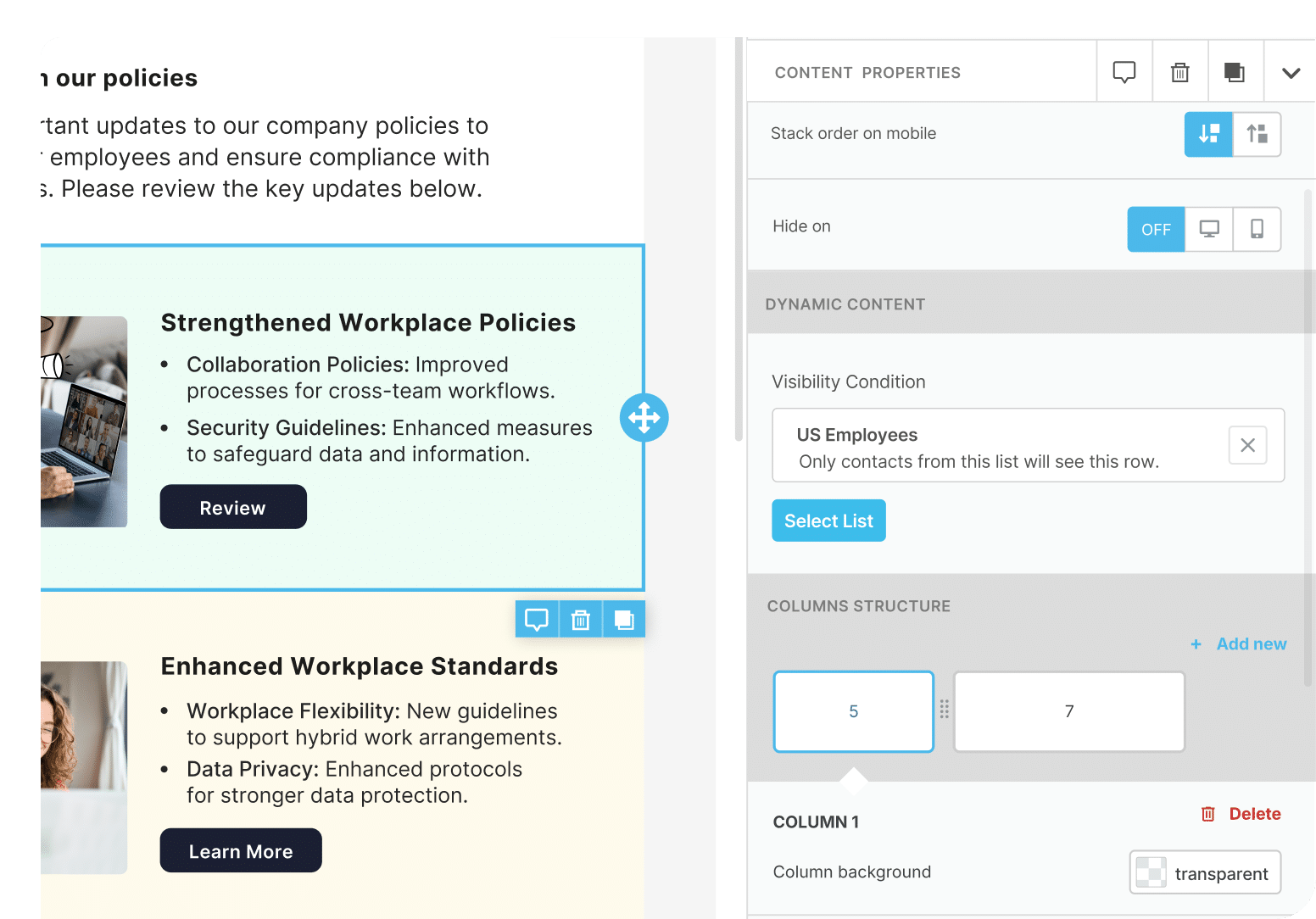
Sending one email to 5,000 employees is easy. Sending one email that feels relevant to 5,000 employees with different roles, locations, and communication needs is much harder. ContactMonkey’s dynamic content blocks let you build a single email that shows different content to different employee groups, so your frontline teams and corporate employees receive updates that actually matter to them. Individual content blocks can be shown only to specific audiences, so employees aren’t skimming through irrelevant updates to find the information that’s important to them.

HRIS integrations that remove the manual work from list management
ContactMonkey’s HRIS integrations covers 80+ providers including Workday, ADP, UKG, SAP SuccessFactors, and BambooHR, so your employee lists stay current automatically without manual CSV exports or IT involvement. When employee data changes in your HRIS, your lists in ContactMonkey update to match. The native Canva integration lets you pull brand-approved assets directly from Canva into your ContactMonkey email builder, making it easy to create polished, on-brand employee communications without switching between platforms.
Audience segmentation that helps you target the right audience
Generic distribution lists are one of the most common reasons internal emails feel irrelevant to employees. ContactMonkey’s audience segmentation lets you build and manage employee groups based on department, location, role, seniority, or any custom attribute synced from your HRIS. Every send can be targeted to the right people without rebuilding lists from scratch or pulling in IT. For enterprise communications teams, this makes targeted communication scalable, repeatable, and easy to manage across the organization.
Embedded feedback and surveys that turn emails into a two-way channel
Employee engagement goes beyond opens and clicks. Communicators need to understand how employees are responding to messages, what resonates with different audiences, and where feedback is needed. ContactMonkey lets you embed pulse surveys, emoji reactions, eNPS questions, and open-text feedback directly inside the email, so employees can respond in a click from their inbox. The result is a clearer view of employee sentiment and a stronger connection between communicators and their workforce.

Analytics that give internal communicators the data to prove their impact
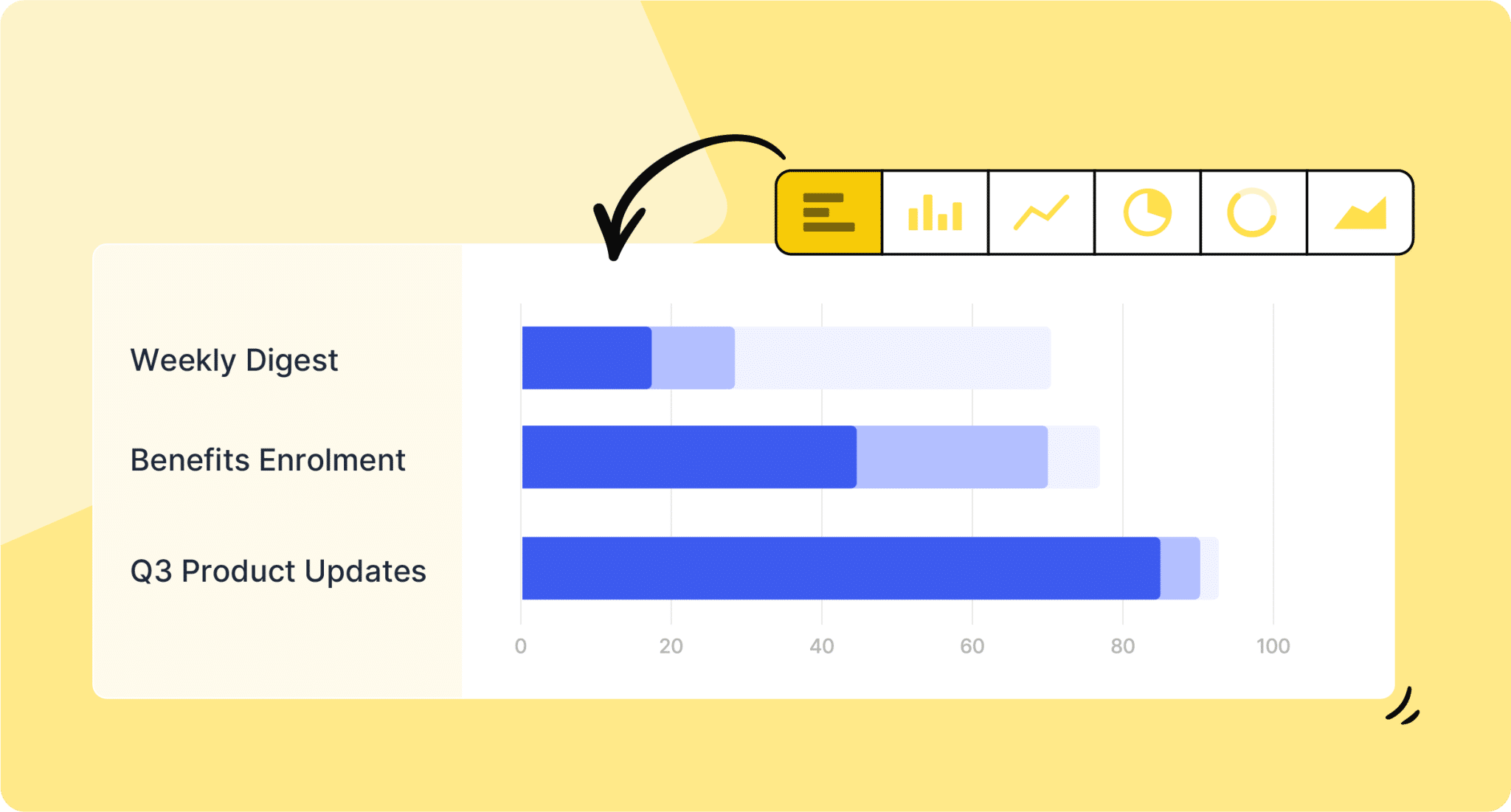
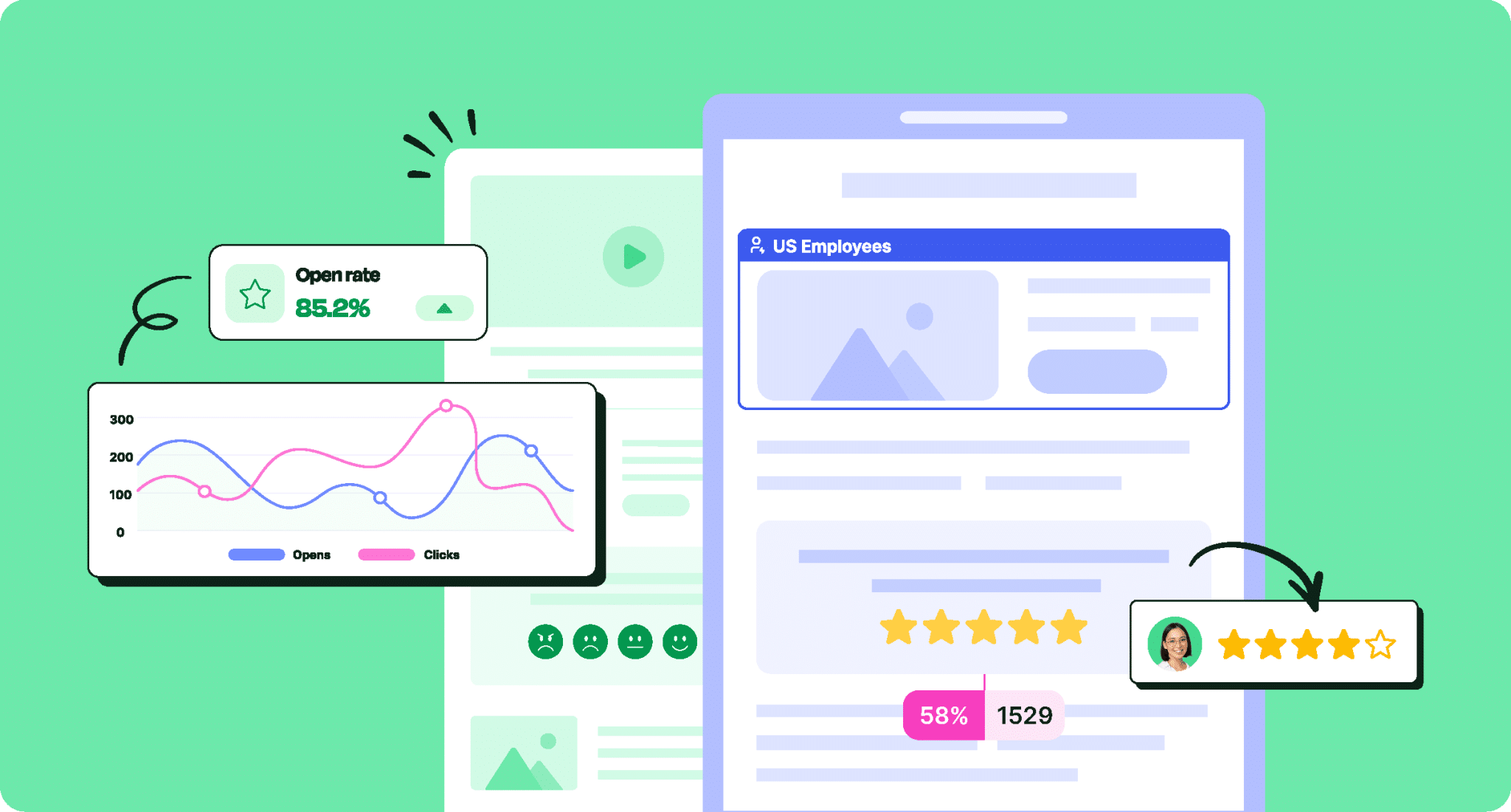
For many IC professionals, proving the value of their work to leadership is one of the hardest parts of the job. ContactMonkey’s analytics go beyond open rates and clicks to give you individual-level open tracking, click maps, read time by section, department and location breakdowns, and device data, so you can see not just whether an email was opened, but how it was engaged with and by whom. When leadership asks whether internal communications is working, you have the data to show what’s driving engagement, where employees are paying attention, and how your communications strategy is performing. Over time, those insights help demonstrate ROI and build the case for continued investment in internal communications.
For IC teams that need to make the business case for their platform investment, the ContactMonkey ROI calculator gives you a concrete starting point. It surfaces the hidden cost of low employee engagement at your organization and shows you what a measurable improvement in reach, readership, and response rates is actually worth. If you are heading into a budget conversation or a renewal decision, it is a useful number to have in your back pocket.
How much is low employee engagement costing you?
Tally it up with ContactMonkey’s ROI calculator.
Calculate now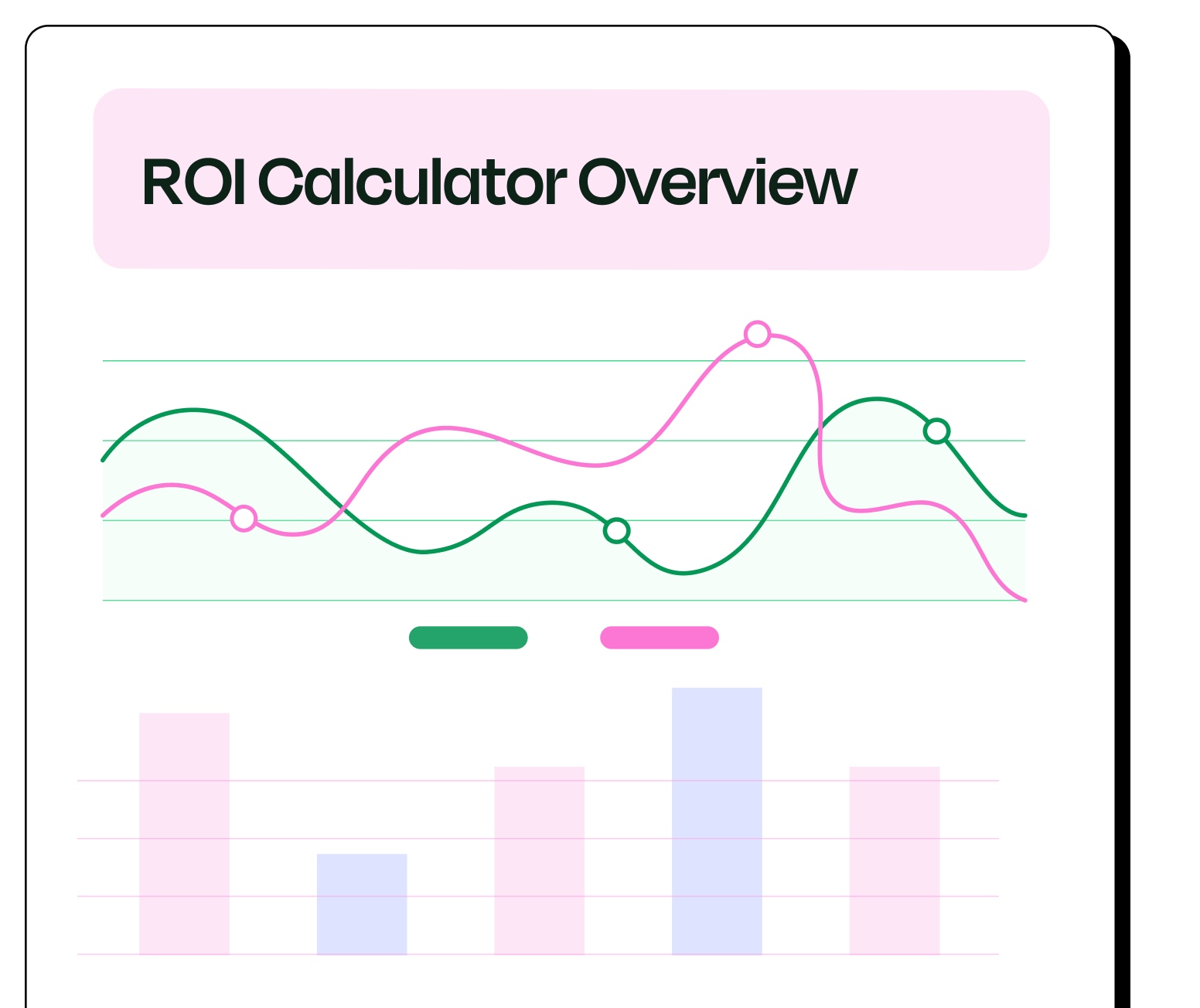

What Do Teams Who’ve Switched to ContactMonkey Actually Say?
Thousands of organizations use ContactMonkey as their best employee email platform for internal communications. Here is what some of them have shared across G2 and ContactMonkey case studies.
“It really does allow our teams to be creative, but also provides the analytics to make sure we’re doing the right things.”
– Jeremy Roberts, Senior Manager of Communications, Freedom Mobile
Freedom Mobile increased open rates by 15% and grew read rates from 32% to 40% after using ContactMonkey’s analytics to inform send timing and audience targeting. Jeremy’s team now shares performance data directly with leadership, and managers use it to drive engagement improvements within their own teams — Read the full story
“Every time we had an event that affected multiple offices, I had to create a new email for each one, even with templates. It wasted 30 to 45 minutes every time.”
– James Maiden, Internal Communications Specialist, McCownGordon Construction
After switching to ContactMonkey’s dynamic content feature, McCownGordon now builds one email with personalized content blocks per location rather than duplicating campaigns. The result: 30 to 45 minutes saved per send, fewer copy/paste errors, and unified analytics across all office segments in a single campaign — Read the full story
“We’ve been able to deliver content in a way that feels timely, easy to find, and highly relevant. Something we couldn’t do before.”
– Emily-Rose Carr, Internal Communications Specialist, SEEK
SEEK replaced a costly, rigid platform with ContactMonkey and achieved open rates of up to 60% and click rates of 19%, well above industry benchmarks. The team used dynamic content and smarter email design to shift employee preference from Slack to email for internal updates — Read the full story
Organizations across industries choose ContactMonkey as their top internal email platform because the results show up in the metrics that matter to leadership: open rates, engagement depth, time saved, and the ability to communicate with the right people at the right time. For more real-world results, see5 Internal Communication Case Studies and Examples To Follow.
How Does ContactMonkey Pricing Compare to Poppulo, Staffbase, and PoliteMail?
Pricing is one of the most common factors that triggers an evaluation of employee communications software. The challenge is that most platforms in this category make it deliberately difficult to compare costs before you’ve sat through a demo. What you end up paying across any of these platforms depends significantly on your organization’s size, the channels you need, and how your IC program is structured.
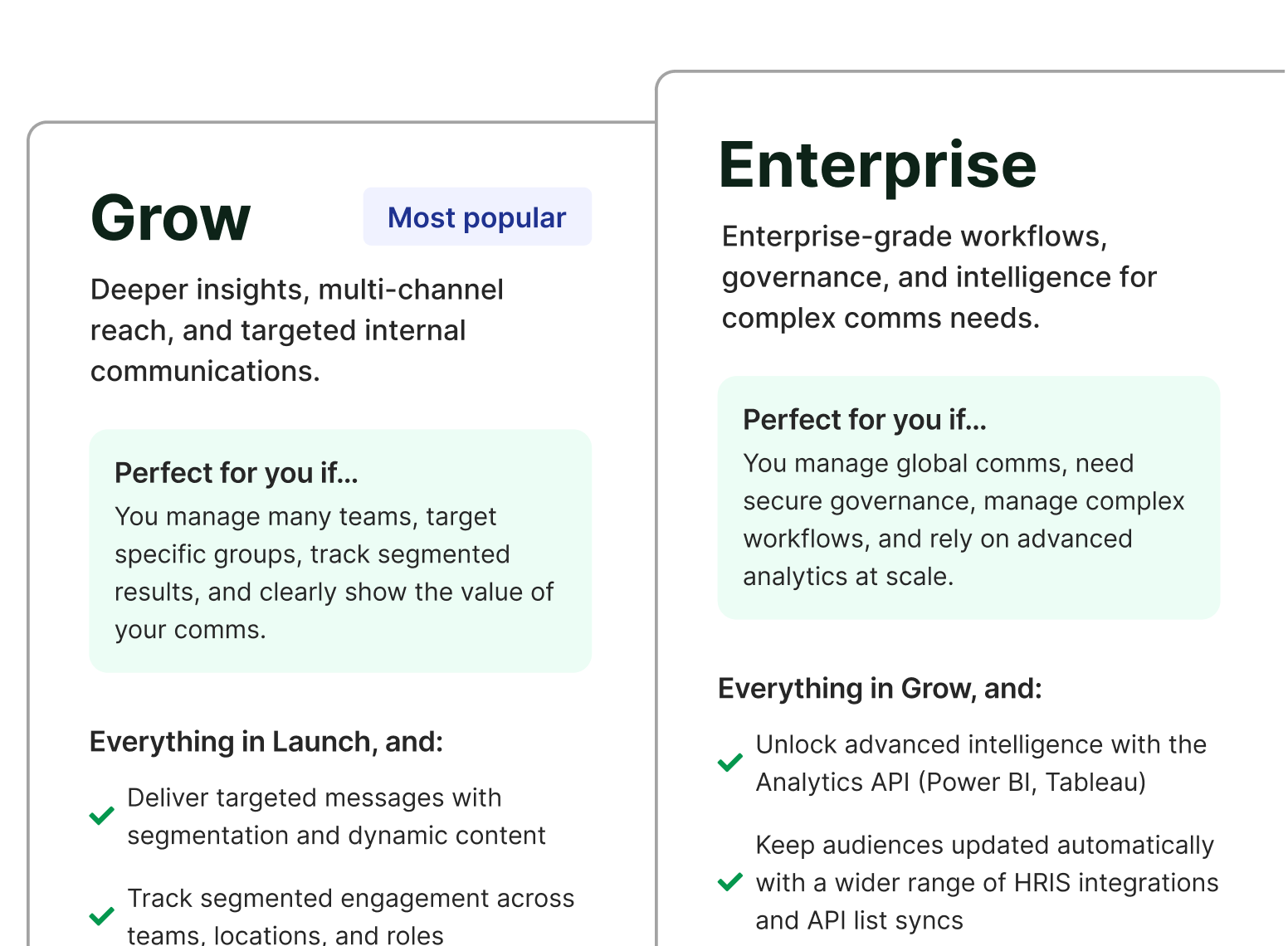
ContactMonkey offers three plans with add-ons, structured to scale with your team’s needs, from core email creation and tracking through to advanced segmentation, dynamic content, and analytics. Pricing is based on your organization’s requirements rather than a flat published rate. You can review the plan tiers and request a custom quote on the ContactMonkey pricing page. ContactMonkey also offers a CoAuthor free trial, which lets you experience the AI email builder before booking a demo, giving you a low-friction way to evaluate the platform before a sales conversation.

Poppulo pricing is not publicly listed. The platform uses a subscription model based on headcount and the channels you require, with tiers covering Essentials, Pro, and Enterprise. Based on market research and buyer reports, annual costs for mid-to-large organizations typically run well into five figures, and advanced analytics capabilities are gated behind higher-tier plans. Teams need to complete a demo before receiving any pricing visibility. Whether it makes sense for your IC needs depends on how many channels you actually use beyond email. For a full feature and cost comparison, see our ContactMonkey vs Poppulo page.
Staffbase pricing is also quote-based and scales depending on headcount, feature add-ons, app requirements, and whether you need the full employee experience suite alongside email. Organizations that only need internal email often find themselves paying for intranet, mobile app, and digital signage capabilities they have no use for. Whether that scope fits your IC program is worth evaluating carefully before entering a contract. For a detailed breakdown, see our ContactMonkey vs Staffbase page.
PoliteMail pricing is structured by audience size rather than user count, starting at approximately $639 per month for 1,000 employees and scaling from there. Advanced features, customization, and implementation services add to the total cost. PoliteMail also requires a Microsoft 365 environment, which limits flexibility for organizations running Gmail or a hybrid stack. Whether that trade-off works for your IC setup depends on how heavily your program relies on M365 infrastructure. For a side-by-side comparison, see our ContactMonkey vs PoliteMail page.
The pattern across all three competitors is the same. Internal communications software pricing is kept opaque until you are already in a sales process. ContactMonkey’s approach gives you plan-level transparency upfront, a free trial to test the AI capabilities, and a ContactMonkey demo when you are ready to see the full platform
Is There a Free Way to Try ContactMonkey Before Committing?
Yes. ContactMonkey offers two ways to experience the platform before you make any decisions.
The CoAuthor internal communications software free trial lets you use the AI email builder to create up to three emails at no cost, no credit card required. Enter a prompt describing the email you want to send, and CoAuthor generates a fully designed email based on your description. It is the fastest way to see what the platform can actually produce for your specific communications, no commitment required.
If you want a broader look at the full platform, ContactMonkey offers interactive product tours that are super quick and easy to complete at your own pace. It covers the email builder, analytics dashboard, audience segmentation, dynamic content, Canva integration, template library, ConfidenceCheck, and more — giving you a complete picture of how the platform works day-to-day.
When you are ready to go deeper, the ContactMonkey demo connects you with a rep who can walk through your specific use case, team size, and program goals. The employee newsletter software demo is tailored to your organization so you can see exactly how ContactMonkey fits into your existing workflow.
Why ContactMonkey Is the Right Choice for Your Internal Communications Program
Most IC teams searching for ContactMonkey alternatives are not looking for a completely different category of tool. They are looking for a platform that does what they need it to do, without the workarounds, the opacity, or the features they will never use.
Whether your goal is to boost employee engagement, build compelling internal newsletters, develop an effective IC strategy, or prove your impact to leadership, the work always comes back to the same thing: getting the right message to the right audience at the right time through the right channel. ContactMonkey is built around exactly that, and it fits into how your team already works.
If you have read this far, you have everything you need to make a call. Book a demo today and see it for yourself.