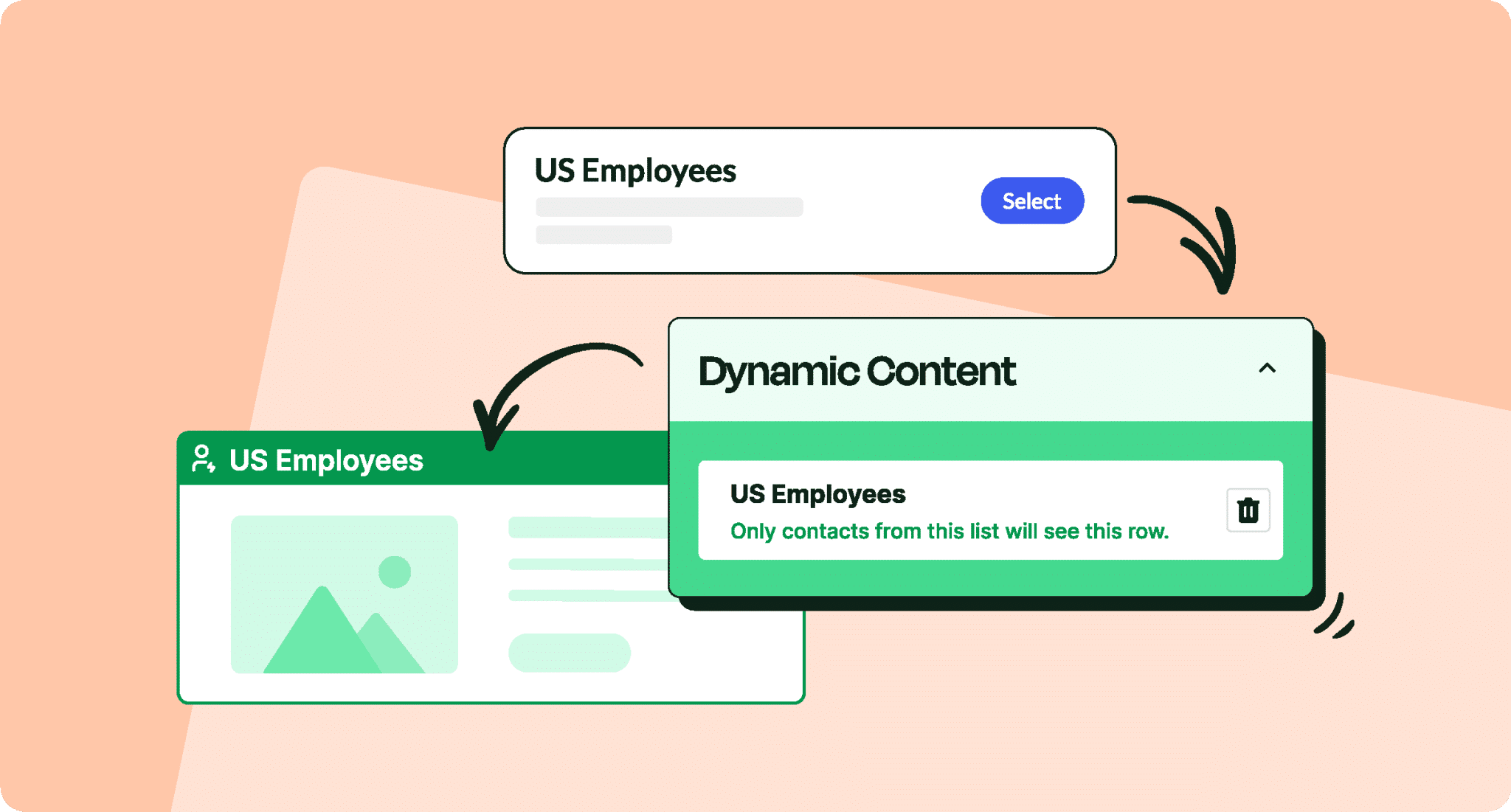
In a data-obsessed corporate culture, you need more than guesswork to justify your efforts. Read on as we share no-fail ways to access effective internal email reports with ease!
Every internal communicator faces the same question: How do you prove the ROI? Sure, your emails might look polished and professional, but are employees actually reading them? Are they clicking on links or signing up for events? Moreover, is employee engagement actually improving?
To answer these questions, you’ll want to turn to internal email reports. Internal email software (like ContactMonkey) will offer you robust employee engagement analytics—like open rates, click maps, and survey feedback— and help you determine which emails engage your employees and which ones don’t.
If you’ve ever wanted to transform “because I think it works” into “here’s the data to prove it does,” internal email reporting is key.
This article covers the importance of internal email analytics, how to access the metrics you need, and how to best use the internal email data analytics to prove ROI.
What are Internal Email Reports?
Internal email reports refer to the collection and presentation of data related to emails sent within an organization. Unlike traditional email marketing analytics—which focuses on external recipients, sales, and marketing funnels—internal email reporting places emphasis on employee engagement, sentiment, and feedback.
Essentially, internal email reports highlight how staff are interacting with the content you share through:
- Open and read rates: How many employees actually open your internal emails?
- Click-through rates (CTRs): Which links or resources within those emails are employees most interested in?
- Engagement metrics: Are employees forwarding emails? Are they reading the entire message, or just skimming?
- Feedback and sentiment: Surveys and polls can help you gauge how employees feel about certain announcements, content, or company changes.
When you access internal email reports, you can make strategic decisions about content, frequency, and timing, thus ensuring more effective internal email communication across your team and organization. Reports and analytics are essential to implementing and optimizaing a successful internal email strategy.
How Can You Get Internal Email Reports and Analytics?
Gathering internal email reports can be accomplished through various methods, ranging from specialized internal email tracking software to industry-specific research. Here are the primary ways as part of internal email best practices:
- Use dedicated internal email tools: Platforms like ContactMonkey offer a robust suite of internal email analytics, including advanced metrics such as read time, device type, click maps, and more. These internal email communication tools integrate seamlessly with Outlook or Gmail, delivering real-time dashboards and streamlined analytics. Learn more about the advanced email analytics for Outlook you get with ContactMonkey.
- Reference published internal email benchmarks: Many providers share internal email benchmarks that detail average open rates, click rates, and other metrics for different industries. By comparing your internal email metrics against these benchmarks, you gain context about your organization’s performance and identify areas for improvement.
- Distribute employee surveys: Short, embedded surveys or polls can capture immediate feedback from employees regarding content, relevance, and timing. Such direct input not only enhances internal email measurement but also fosters a feedback-driven culture.
- Manual methods: For small teams, read receipts or manual link-tracking might be an option—albeit limited. While they can provide rudimentary data, they pale in comparison to the rich insights internal email reporting tools provide.
Get powerful email analytics and reporting features
Know exactly who is opening and engaging with your employee communications and company newsletters.
Explore analytics & reporting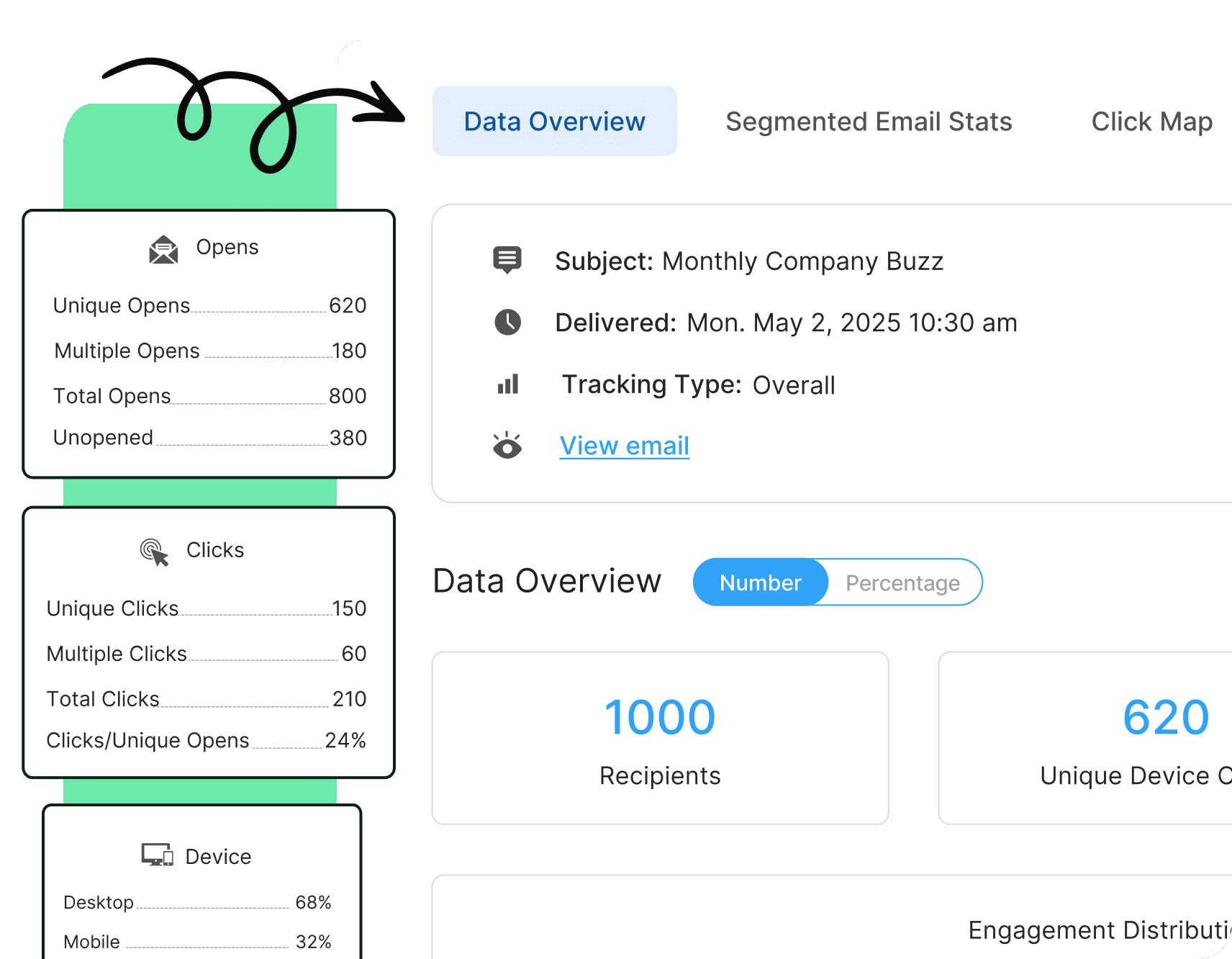

Why are Internal Email Reports Beneficial?
Investing in internal email reports pays off in multiple ways:
- Measure engagement accurately: You can track internal email open rates and clicks to see if employees are genuinely engaged or merely scanning.
- Refine content strategy: By seeing which links get the most clicks or which topics garner high survey responses, you tailor your messaging to employees’ actual interests.
- Optimize send times: Identify patterns in high open or click-through rates to pinpoint the best times to send messages—morning, afternoon, or late in the workday.
- Align messaging with interests: If employees consistently ignore certain categories of content, you can either adjust the subject matter or send it to a more relevant internal email list. PS: Read more about why use internal email lists for more insight on this topic.
- Support company culture: Well-informed teams typically work more cohesively. Data from internal email reporting helps you keep communication meaningful and morale high.
- Track progress over time: By reviewing consistent metrics, you can measure how changes in internal email design, subject lines, or content length affect engagement.
Ultimately, internal email reports serve as a feedback mechanism that can make your communications more impactful, drive employee satisfaction, and support broader business objectives.
🎁BONUS: Dive deeper into why improve internal email design as you leverage internal email reporting to inform your designs.
What Data Do Internal Email Reports Include?
When you integrate a powerful tool like ContactMonkey, your internal email reports will feature a wide range of data points, including:
- Open rates: A core metric that shows how compelling your subject lines and sender information are.
- Click-through rates (CTR): Indicates whether the call-to-action or links within your email resonate with employees enough to encourage further action.
- Read time: Reflects how long employees spend reading each message. If read times are low, it may mean the content is too long or not relevant.
- Click maps: Visual representations showing exactly where employees click. This helps refine internal email design by placing critical links or buttons in the most visible areas.
- Device/client insights: Understand if employees predominantly use mobile, desktop, or web clients like Gmail or Outlook. This knowledge shapes formatting and layout choices.
- Survey and poll results: Embedded surveys can measure employees’ reactions and gather targeted feedback about new initiatives or company changes. You can also learn more about how to use surveys in internal emails << here.
- Department or demographic breakdown: Segment data based on departments or roles to see if certain teams are more engaged than others. Adjust your internal email templates accordingly.
By analyzing these internal email metrics, you gain a holistic view of how employees interact with each communication, enabling data-driven adjustments that enhance relevance and clarity.

Internal Email Reporting for Outlook and Gmail
Most workplaces rely on either Microsoft Outlook or Gmail. While these platforms handle day-to-day correspondence effectively, their native analytics features are basic at best. This is where internal email reporting tools come into play. Here, we cover what you can’t access through Outlook and Gmail alone:
- Outlook’s limitations: Outlook’s read receipts only scratch the surface of what’s possible. Integrating a platform like ContactMonkey supercharges Outlook with detailed internal email analytics—including open rates, click maps, and in-depth engagement stats.
- Gmail’s shortcomings: Google Workspace (Gmail) has limited reporting on email volume and delivery. It also lacks the important internal email analytics functionalities you need to see real engagement. Dedicated software fills this gap, providing robust data while preserving Gmail’s familiar interface.
- Automated dashboards & reports: When you blend the reliability of Outlook or Gmail with a specialized internal email reporting platform, you gain automated reports, real-time dashboards, and comprehensive metrics—all without adding complexity to your daily workflow.
Examples of Internal Email Reports
Seeing examples of internal email reports can clarify how these insights translate into actionable strategies. Below are some scenarios you might encounter in a tool like ContactMonkey:
- Real-time dashboard: You log in to see a consolidated view of all your internal email campaigns, with highlights on internal email open rates, click-through metrics, and survey participation.
- Email-specific analysis: Each sent email features a detailed breakdown, including unique opens, total opens, CTR, and a click map. This helps you visualize exactly which parts of your content drew the most engagement.
- Survey results: The platform aggregates data from embedded polls, showing you at-a-glance employee sentiment and common themes in open-ended feedback.
- Trend and comparison reports: Compare multiple internal email examples and internal communication templates to see how various subject lines, images, or content types perform. This empowers you to refine content using real data.
- Scheduled stakeholder summaries: Set up weekly or monthly email summaries for managers or executives. With these summaries, decision-makers see the return on investment of internal communication tools firsthand.
When leaders witness the value derived from precise data—like improved engagement or direct feedback on major initiatives—they often become champions for more robust internal email reporting strategies. Such reports justify the cost of the best internal email platforms and spur ongoing innovation in communication approaches. Take your analytics game to the next level with our guide to the most important internal email analytics best practices.
2025 internal email benchmarks are in!
See where you stand. Download our report to measure your performance.
Get the guide

Putting it All Together: Why Invest in an Internal Email Software Solution With Internal Email Reports and More
An analytics-powered approach to internal email and internal comms evolves your messages from routine bulletins into high-impact communications. By adopting specialized internal email communication tools like ContactMonkey, you unlock richer insights than native Outlook or Gmail platforms can offer.
With consistent internal email reports at your disposal, you’ll see a domino effect: increased employee engagement, improved morale, and clearer pathways for feedback. Over time, these benefits accumulate, reinforcing a culture of transparency and collaboration.
So, let’s recap. By harnessing internal email reporting:
- You measure engagement via internal email metrics like open rates, CTRs, and read times through our email analytics dashboard feature.
- You reference internal email benchmarks to compare your performance with industry standards.
- You tailor your internal communication strategy—timing, frequency, design, and content—based on real employee interactions.
- You foster a more cohesive culture by ensuring your updates and announcements resonate across departments and roles.
Ready to get started? There’s more to ContactMonkey than robust internal email reports. Book a FREE demo to see firsthand how we help deliver measurable, improved internal email communications.