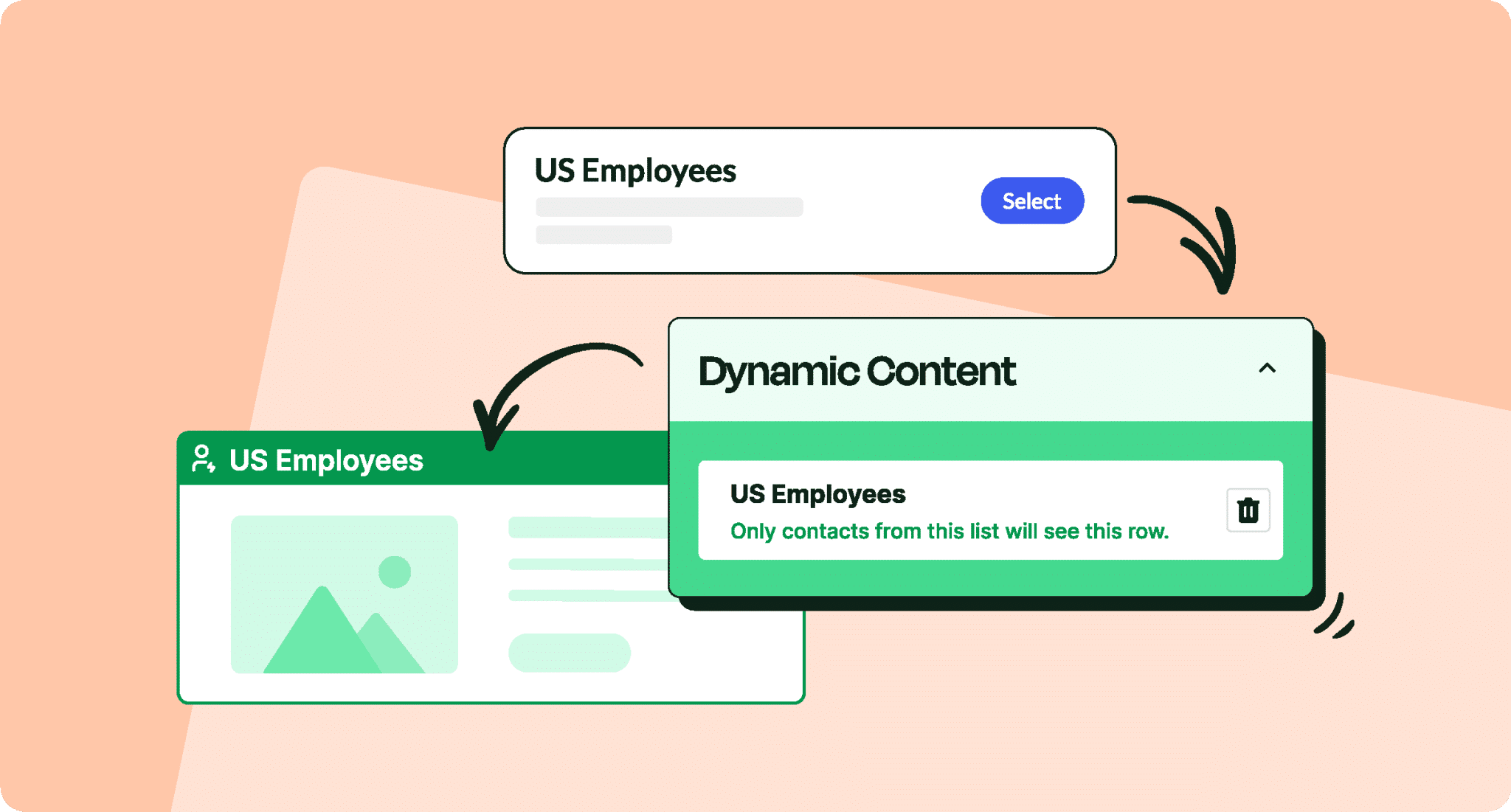
Graph UI on Campaign Overview

Katie Liston

Feb 1, 2020

Key Takeaways

  • ContactMonkey updated the campaign overview page with an improved graph that allows users to alternate between "Opens" and "Clicks" views by selecting the corresponding blue and pink tiles at the bottom of the graph, making it clearer to understand campaign performance over time.
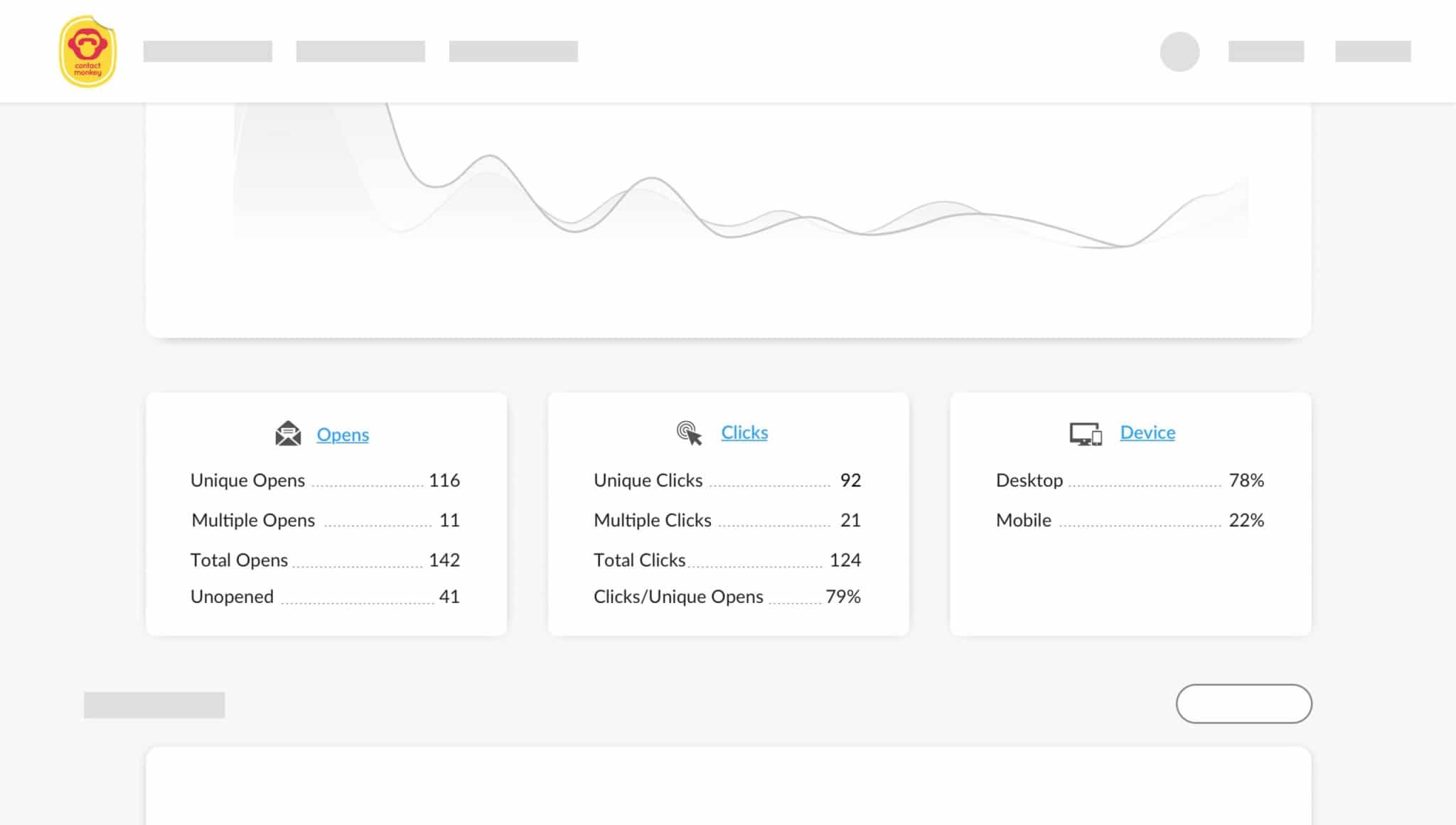
  • The campaign overview page now includes more detailed information in the tiles underneath the graph, providing users with a better understanding of campaign-related metrics such as opens, clicks, and devices used.
  • ContactMonkey fixed the user interface for the Best Performing links section, which had been experiencing issues.
  • The company resolved an error that prevented the dashboard from loading correctly in Internet Explorer, ensuring compatibility with a widely-used web browser.
  • ContactMonkey's January updates aim to empower users to measure employee engagement more effectively from their Outlook or Gmail inbox through better campaign measurement and analysis tools.

January has been a great start to the new year for the Product and Development team at ContactMonkey. Here’s a round-up of new features, improvements, and bug fixes ⚒️

Improvements in January 2020

Campaign Overview Page: Graph Update

We’ve updated the look and feel of the graph on the campaign overview page. It’ll now be clearer to understand opens and clicks over time from your campaigns.

Our graph now allows you to alternate between “Opens” or “Clicks” view by simply selecting the “blue” Opens square or “pink” Clicks square at the bottom tile of the graph.

Campaign Overview Page with Detailed Information

We’ve added more detail to the tiles underneath the graph within the campaign overview page. You will now be able to see more information in regards to your campaign related to opens, clicks, and devices used.
January product update scaled 1 2 1

Bug Fixes

  • Fixed the User Interface for Best Performing links section.
  • Fixed an error to loading of the dashboard within Internet Explorer.

Are you looking to get started with measuring employee engagement from your Outlook or Gmail inbox? Book your free personalized demo and start sending and measuring better employee newsletters from Outlook and Gmail!

About the author
Katie is a marketing leader with extensive experience in B2B SaaS, including her role as former VP of Marketing at ContactMonkey, an internal communications platform. With over eight years of experience in marketing across startups in Ireland and Canada, she brings a strategic perspective on how internal communications support growth, alignment, and employee engagement. Katie has contributed to research and thought leadership on internal communications topics, drawing on her leadership experience to explore how clear, consistent messaging helps organizations scale effectively.

Unlock Internal Comms Superpowers

Discover why 10,000+ rely on us. See the internal email and employee newsletter platform in action.

Book demo